Start Your
Journey.
Follow these simple steps to deploy your private, secure AI agent and start automating your digital life.
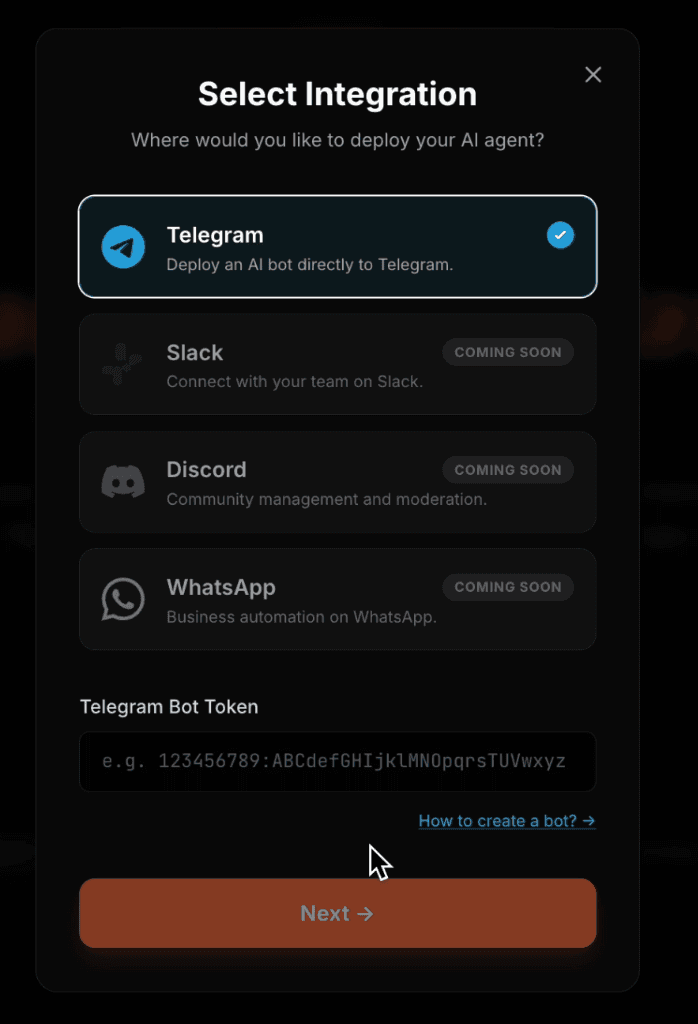
Select Your Integration
Choose your preferred messaging platform. We currently support Telegram, with Slack, Discord, and WhatsApp coming soon. Simply enter your Bot Token from BotFather.
Choose Your Model
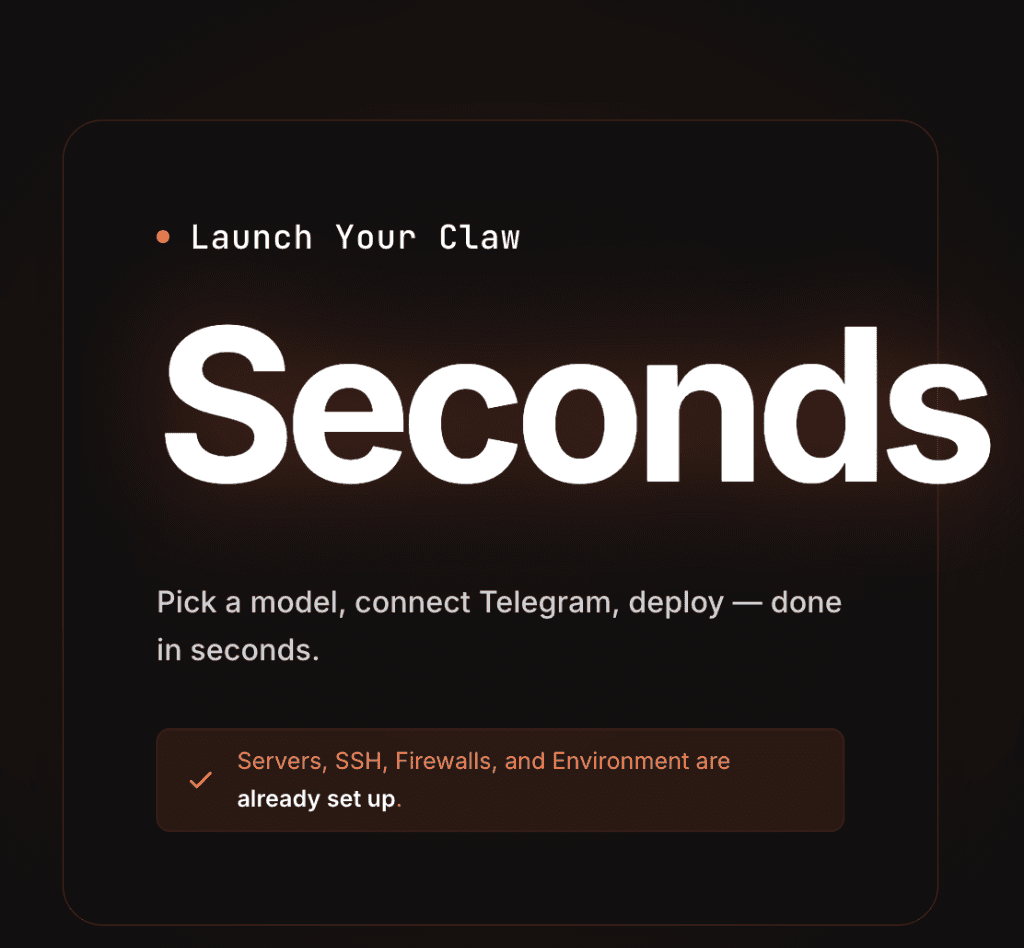
Select the 'Brain' for your agent. We support all major providers including Anthropic (Claude), OpenAI (GPT), and Google (Gemini). Choose your preferred model and set it as default.
Secure Checkout
Complete your subscription to activate your dedicated agent infrastructure. Our secure checkout process ensures your data and server remain private and protected.
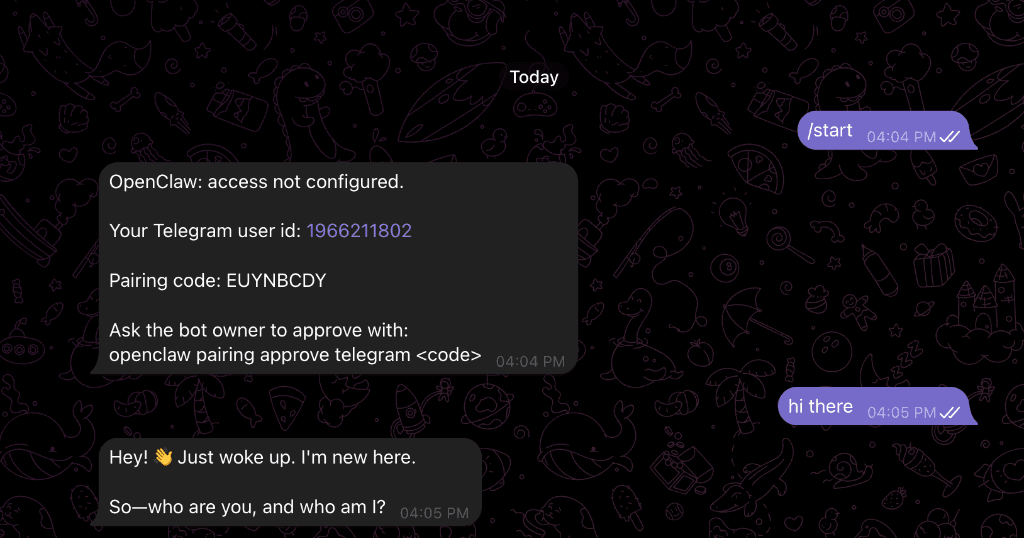
Adding Pairing Code
Enter the unique pairing code received from your chat app. This cryptographic link secures your agent and ensures only you can access it.
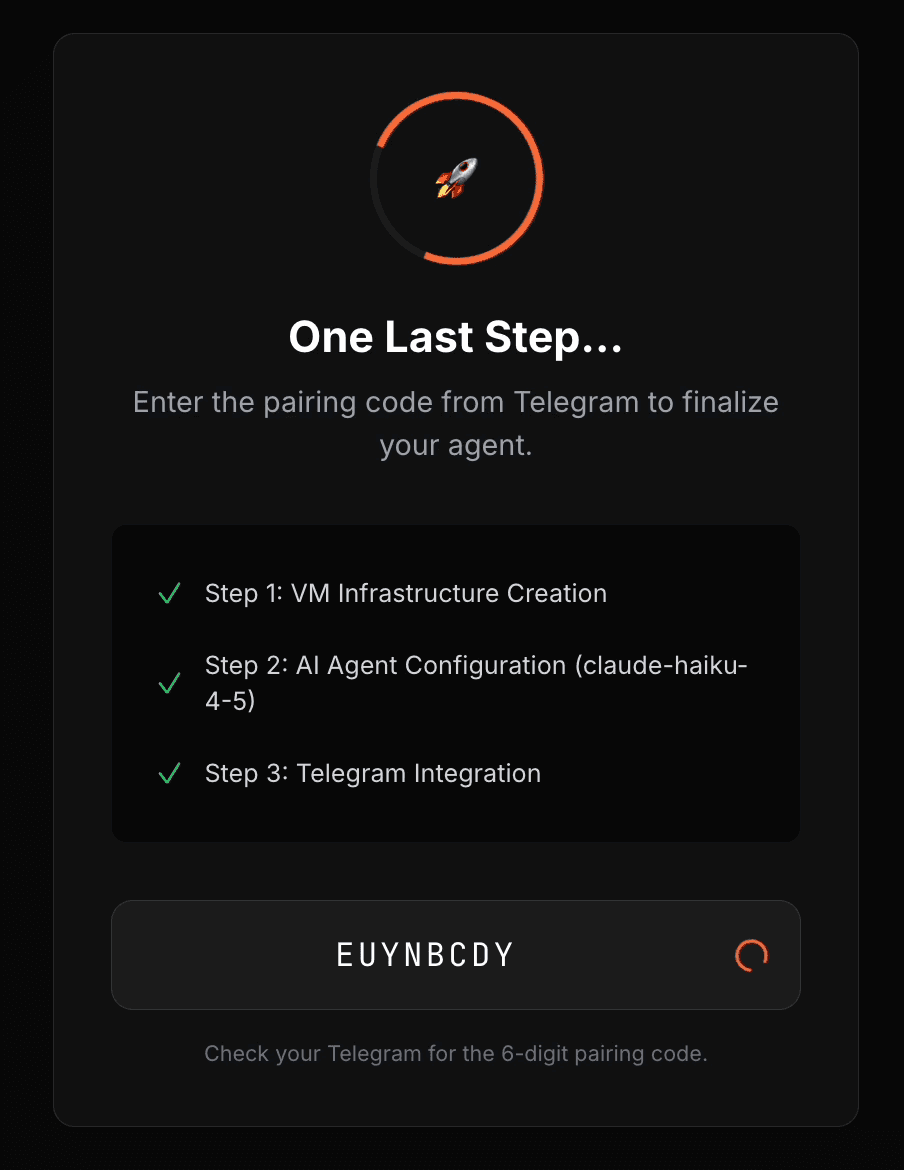
Deployment Progress
Watch as your agent is provisioned in real-time. This process typically takes 3-4 minutes to ensure everything is perfectly configured for your security.
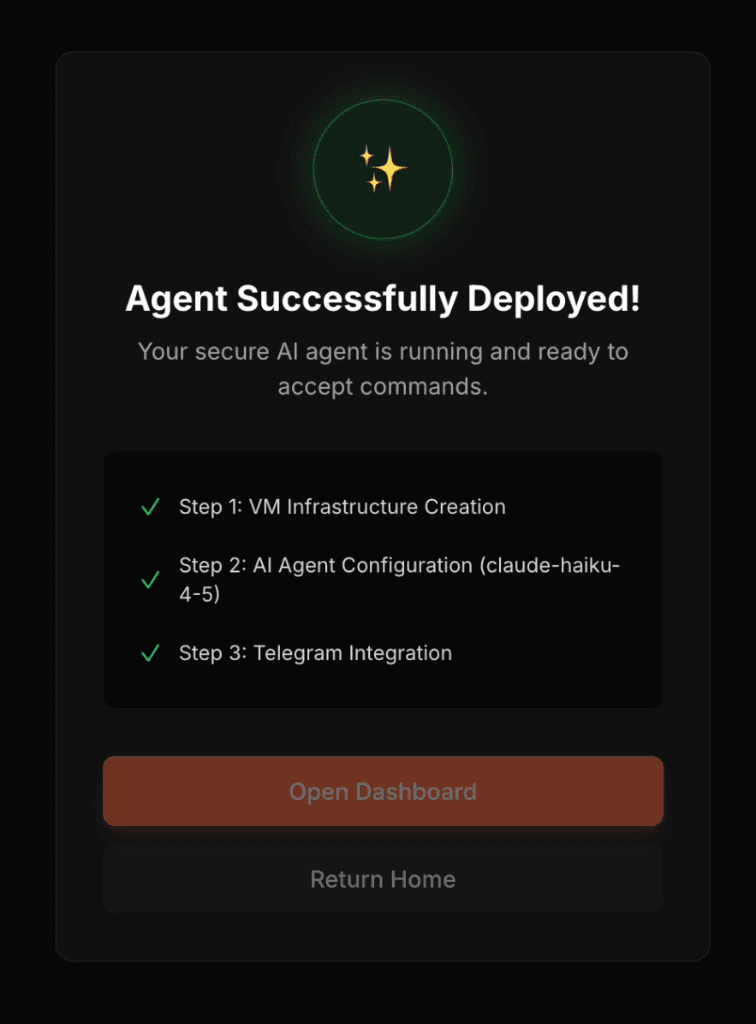
Ready to Chat.
Once deployed, your agent waits for your commands. Just send a message on Telegram and watch it go to work.
Ready to take control?
Join elite users automating their workflow with Launch Your Claw.